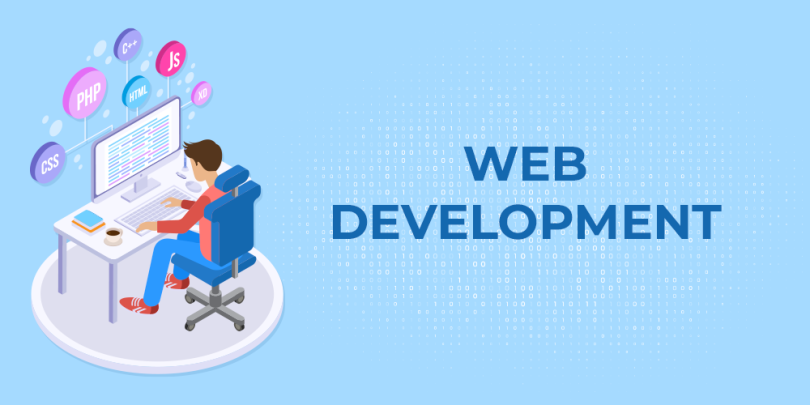

Web development is the process of creating websites and web applications that run on the internet. In today’s digital world, having knowledge of web development is essential for anyone looking to build an online presence, start a career in tech, or launch their own projects. This guide will provide beginners with a comprehensive understanding of web development, the tools involved, and how to get started.
What is Web Development?
Web development is divided into two main parts: front-end development and back-end development.
- Front-End Development: This involves everything users see and interact with on a website. It includes designing web pages, creating layouts, and ensuring a seamless user experience. Technologies commonly used in front-end development include HTML, CSS, and JavaScript.
- Back-End Development: This deals with the server side of a website, including databases, servers, and application logic. Back-end developers use languages like Python, PHP, Ruby, and JavaScript (Node.js) to handle website functionality and data management.
Essential Technologies for Beginners
HTML (Hypertext Markup Language)
HTML is the foundation of any website. It is used to structure content on a web page, such as headings, paragraphs, images, and links. Beginners should focus on learning how to create a basic HTML page with proper tags and elements.
CSS (Cascading Style Sheets)
CSS is used to style HTML content. It controls the layout, colors, fonts, and overall visual appearance of a website. Understanding CSS is essential to make websites visually appealing and responsive across different devices.
JavaScript
JavaScript adds interactivity to websites. It allows you to create dynamic elements like image sliders, pop-ups, form validation, and real-time updates without reloading the page. Learning JavaScript fundamentals is crucial for both front-end and full-stack development.
Version Control with Git
Git is a version control system that tracks changes in your code and allows collaboration with other developers. Platforms like GitHub or GitLab help beginners manage their projects and contribute to open-source communities.
Tools and Software for Beginners
Code Editors
A code editor is where developers write their code. Popular editors include Visual Studio Code, Sublime Text, and Atom. These editors provide features like syntax highlighting, code completion, and debugging tools to simplify the coding process.
Browsers and Developer Tools
Modern browsers like Chrome, Firefox, and Edge offer developer tools that allow you to inspect HTML, CSS, and JavaScript on live websites. Learning how to use these tools helps beginners understand website structure and debug errors effectively.
Frameworks and Libraries
Frameworks and libraries help speed up development by providing pre-built code and functionality. Popular choices include Bootstrap for responsive design, React.js for front-end applications, and Node.js for back-end development.
Understanding Responsive Design
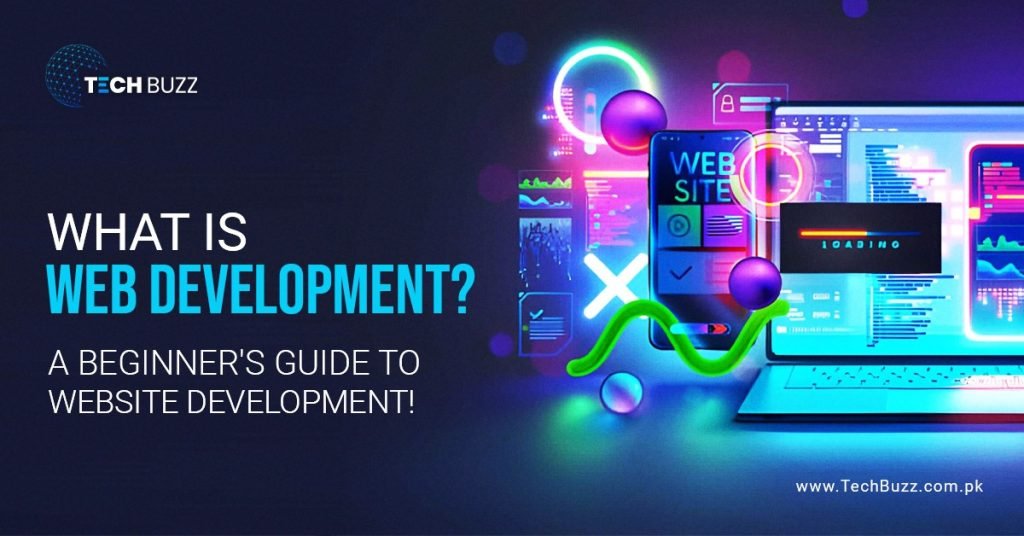
Responsive design ensures that websites look good on all devices, including desktops, tablets, and smartphones. Beginners should learn about media queries, flexible grids, and flexible images to create websites that adapt to different screen sizes.
Web Development Workflow
A typical web development workflow involves several steps:
- Planning: Define the website’s purpose, target audience, and features.
- Design: Create wireframes and mockups to visualize the website layout.
- Development: Write HTML, CSS, and JavaScript code to build the website.
- Testing: Check for bugs, compatibility issues, and responsiveness.
- Deployment: Publish the website using hosting services and domain names.
- Maintenance: Regularly update content, fix bugs, and improve functionality.
Career Opportunities in Web Development
Web development offers a wide range of career opportunities, including:
- Front-End Developer: Focuses on user interfaces and visual aspects of websites.
- Back-End Developer: Manages servers, databases, and website functionality.
- Full-Stack Developer: Handles both front-end and back-end development.
- Web Designer: Concentrates on website aesthetics and user experience.
- Freelance Web Developer: Offers development services to clients independently.
Tips for Beginners to Get Started
- Start with HTML, CSS, and JavaScript before moving to frameworks.
- Build small projects like personal websites or simple web apps.
- Practice consistently and solve coding challenges on platforms like FreeCodeCamp or Codecademy.
- Learn how to use Git and GitHub for version control and project management.
- Stay updated with new web development trends and technologies.
Final Thoughts
Web development is a valuable skill that opens doors to numerous opportunities in the tech industry. By starting with the basics and gradually advancing to more complex projects, beginners can develop the expertise needed to build functional and attractive websites. With consistent practice, dedication, and curiosity, anyone can become a proficient web developer and thrive in the digital world.